
What is Responsive Blocks Plugin?
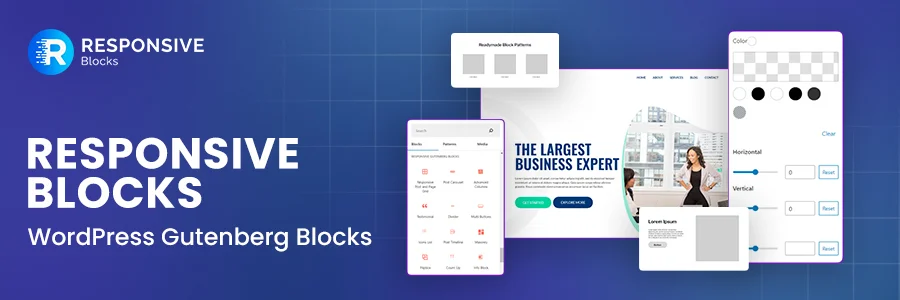
Responsive Blocks Plugin is a collection of 50+ ready-to-use blocks designed to extend the WordPress block (Gutenberg) editor. It gives you more flexibility while building pages and layouts, without changing the way Gutenberg works.
I found it useful for creating clean and professional layouts directly inside the block editor. You can design landing pages and content sections using enhanced blocks, without relying on external page builders.
The plugin keeps things simple. It’s lightweight, doesn’t add unnecessary bloat, and works well even if you’re not a developer. If you’re comfortable with Gutenberg, Responsive Blocks feels like a natural upgrade rather than a completely new tool.
You also get access to free starter templates and patterns. These can be imported into an existing site, which saves time when you want to reuse proven layouts instead of starting from a blank page.
How to Install Responsive Blocks Plugin
WordPress makes it easy to install plugins without any technical hassle. Below is the step-by-step process I followed to install the Responsive Blocks plugin.
First, log in to your WordPress dashboard.
From the left menu, hover over Plugins and click on Add New.
This will open the Plugins page inside your WordPress dashboard.
Use the search bar and type Responsive Blocks WordPress.

Once you find Responsive Blocks – WordPress Gutenberg Blocks by Cyberchimps, click Install, and then Activate.

That’s it. The Responsive Blocks plugin is now installed and ready to use.
You can start creating a new post or page and access the Responsive Blocks directly inside the Gutenberg editor.
FAQ
Gutenberg Blocks are the building units of the WordPress block editor.
You use them to create content inside posts and pages.
Each block serves a specific purpose.
This includes paragraphs, headings, images, buttons, columns, videos, tables, and more.
Instead of one large editor, Gutenberg lets you build content block by block.
Responsive Blocks is a plugin that adds 50+ ready-to-use blocks to the WordPress block editor.
It extends Gutenberg without changing how the editor works.
The goal is to give you more layout and design flexibility while keeping things simple.
Responsive Blocks focuses on usability and performance.
It offers a clean and simple user interface.
You get a pattern importer to reuse layouts quickly.
All blocks are responsive by default.
Customization is straightforward and beginner-friendly.
The plugin works on drag and drop.
No coding is required.
It’s fast to load and easy to customize.
Yes, Responsive Blocks is completely free to use.
It’s a multi-purpose plugin developed by Cyberchimps. The plugin helps improve content structure and layout flow without adding complexity.
You can download it directly from the WordPress plugin repository.
Responsive Starter Templates are professionally designed, ready-to-use website templates.
They are built specifically for the WordPress block editor. You can use them to launch a complete website or import specific layouts.
Getting started is simple.
First, download the Responsive Starter Templates plugin.
Log in to your WordPress dashboard.
Go to Plugins >Add New.
Upload the plugin ZIP file.
Install and activate it.
Once activated, you can explore 150+ free and Pro Responsive Starter Templates directly from your dashboard.
